One source for the data
The previous edition’s title, year and cover image are resolved from the catalogue, avoiding manual updates across multiple pages.
// Piacenza, Italy · always curious
Interfaces above.
APIs, data and automation below.
I’m a VAT-registered freelance Full Stack Developer. I work with Node.js, APIs and automation. At Wedoit, I contributed to a MERN and React Native course platform, from the frontend to backend and database support.
01const developer = {
02  name: "Riccardo Ferri",
03  role: "Full Stack Developer",
04  focus: [
05    "backend",
06    "web interfaces",
07    "automation"
08  ],
09  stack: ["JS/TS", "Python"],
10  lookingFor: "projects + a good team"
11};// sito-astro · 2025 → 2026
I built the new CESO website in 2025 at comitatoeventisportivioltrepo.it, integrating the previous domain. In 2026, I made functional improvements and proposed a visual redesign with changes to part of the architecture. One concrete example: adding an event edition using a catalogue, shared components and reference validation.
Background and full case study ↗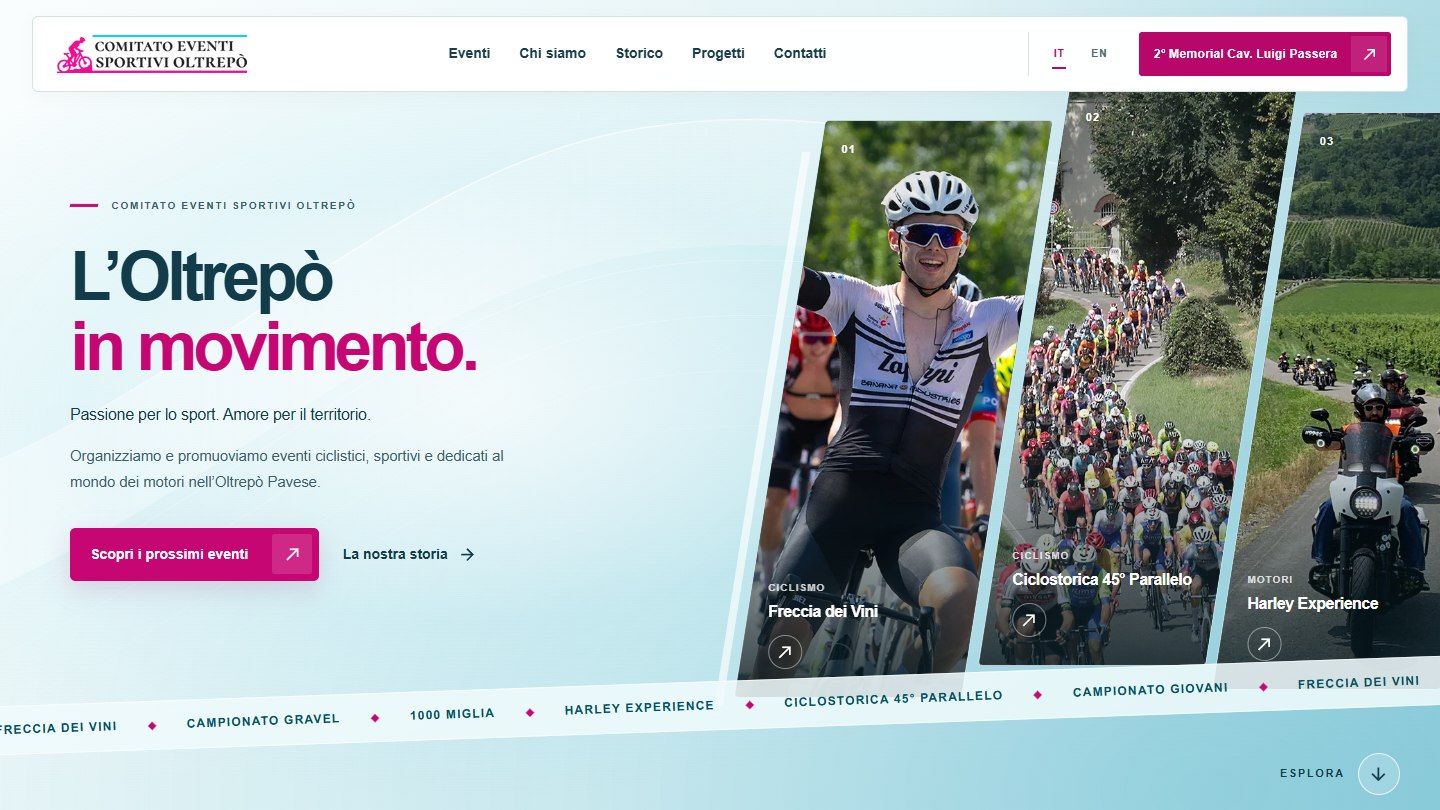
Explore the current website and the 2026 redesign proposal. Links open in new tabs.
The previous website at eventisportivioltrepo.it was managed by another company.
New website and integration of the previous domain.
Features, interface and changes to part of the architecture.
Event data, IT/EN copy and shared editorial configuration.
Layouts, reusable components and reference checks.
Static pages with Svelte components where interaction is needed.
The previous edition’s title, year and cover image are resolved from the catalogue, avoiding manual updates across multiple pages.
Unknown editions, self-references and invalid dates stop the build with an explicit error.
If a cover image is missing, a text card remains available. Content guides and dedicated tests support development.
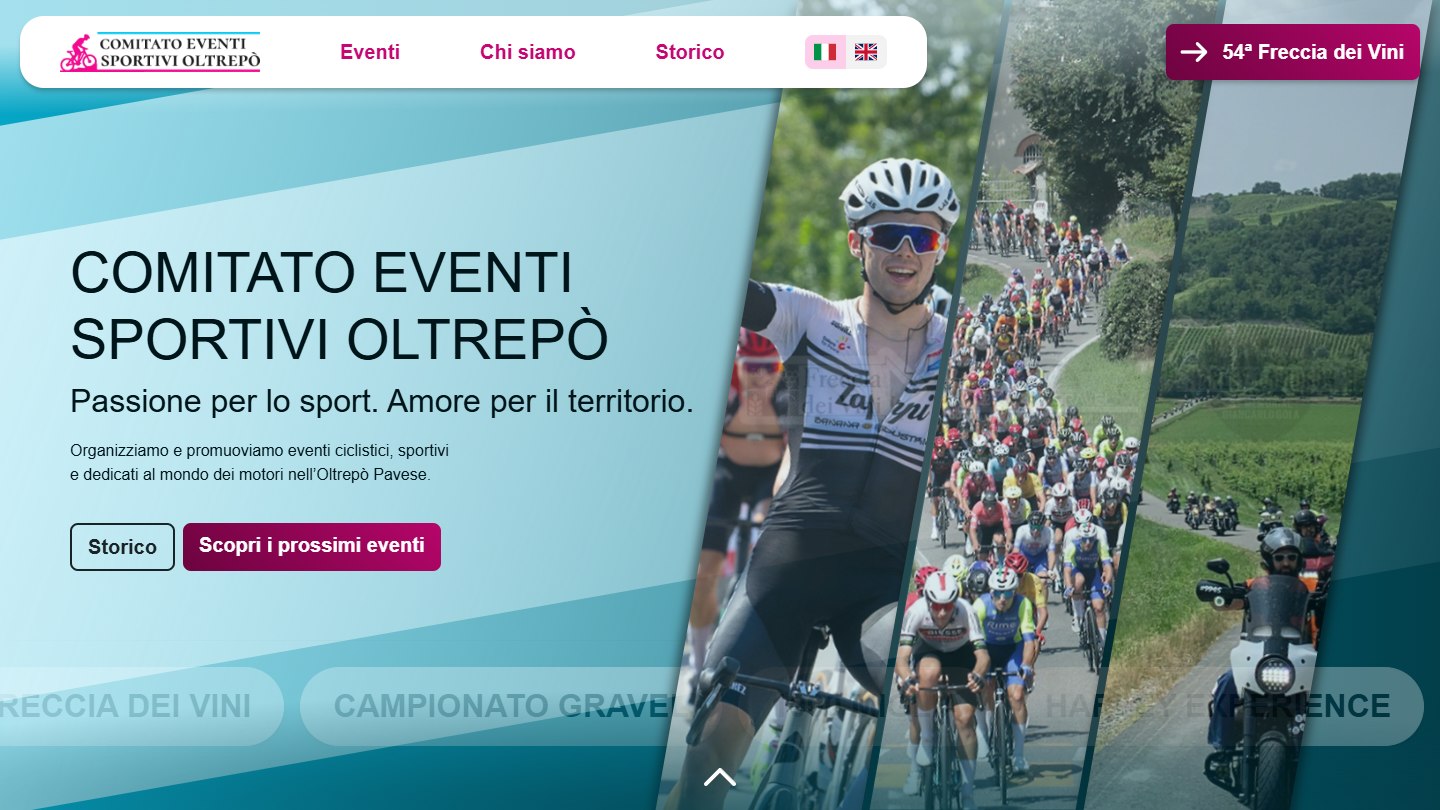
Real screenshots from 25 September 2026, both from the website I built. They may differ from the updated live versions linked above. The reconstruction shared some assets. This comparison does not show the earlier website managed by another company or measured improvements in traffic or conversion. Context and historical archive ↗
// backend & automation
Two projects, two approaches: events and APIs on the server, and interaction with pages in the browser.
01 / backend & integrations
Incoming events, data operations and external services. An Express server connecting Notion, Google Calendar and email notifications, with scheduled tasks using cron.
Receive the event and return HTTP 202.
Functions run sequentially.
Updates to Notion, calendar and email.
Routes, services and integration logic are separate modules. Scheduled jobs use the same task queue.
The Notion service traverses results using a cursor, collecting records from subsequent pages too.
Failed tasks can be requeued from the admin panel. The queue lives in memory: it does not persist across restarts or guarantee durable delivery.
02 / personal automation
A personal browser automation project: collecting and organising questions and answers, saving them in JSON and creating flashcards through web interfaces.
WebDriver, DOM selectors and explicit waits to read content and interact with interfaces.
Information is collected and grouped in JSON files, then reused in flashcard workflows.
Browser automation follows the structure of the pages. Changes to selectors and workflows require maintenance: one of the project’s limitations.
// webhook-server · from code to behaviour
A record changes, the server accepts the event and the work enters a queue. This simulation makes waiting, completion and error recovery visible. You can send several events and process them one at a time.
{
  "event": "meeting.updated",
  "recordId": "demo-record",
  "title": "Project call"
}
Each submission creates a separate task. No requests are sent to Notion or Google Calendar.
// No update completed.A failed task remains separate. The 202 response confirms receipt, not successful processing.
The interactive demo requires JavaScript. The workflow and technical decisions are also described below.
A 202 response from dedicated routes, sequential execution and the option to manually requeue failed tasks at the end. The source separates routes, the queue and external services.
The queue lives in memory: restarting loses its state. Retrying reruns the task and does not guarantee freedom from duplicates. Persistence and idempotency would need to be designed as future improvements.
A standalone simulation written for the portfolio, limited to six events. The simulated service becomes available on the second attempt. Private backend code is neither executed nor distributed.
Read the demo code ↓// the experimental side
Games, 3D worlds and networked interactions.
Twelve learning projects, from tutorial foundations to my own adaptations. Plus two small pieces you can try here.
Live fragment / Three.js
A surface that moves and changes colour under the pointer. Taken from my-portfolio, adapted to this small space.
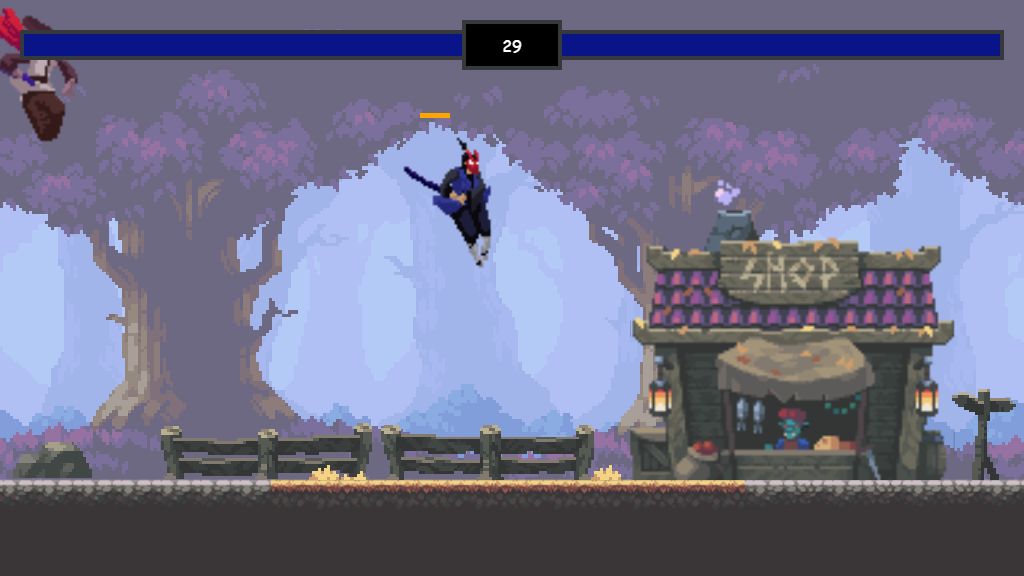
Featured / JavaScript + Canvas
fight · two players, keyboard or touch
A fighting game built from a Chris Courses tutorial, which I continued to improve.
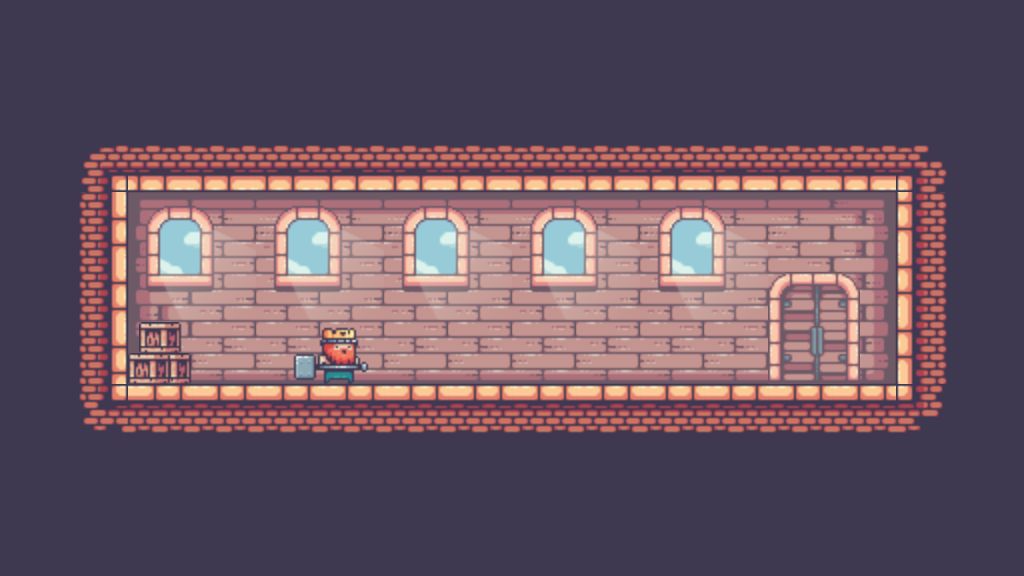
JavaScript / Canvas / GSAP
js_multiroom_game
Three rooms, collisions, animated doors and level transitions. I extended the tutorial with automatic movement towards the door, coordinating input, character position and the entrance animation.
Reference tutorial ↗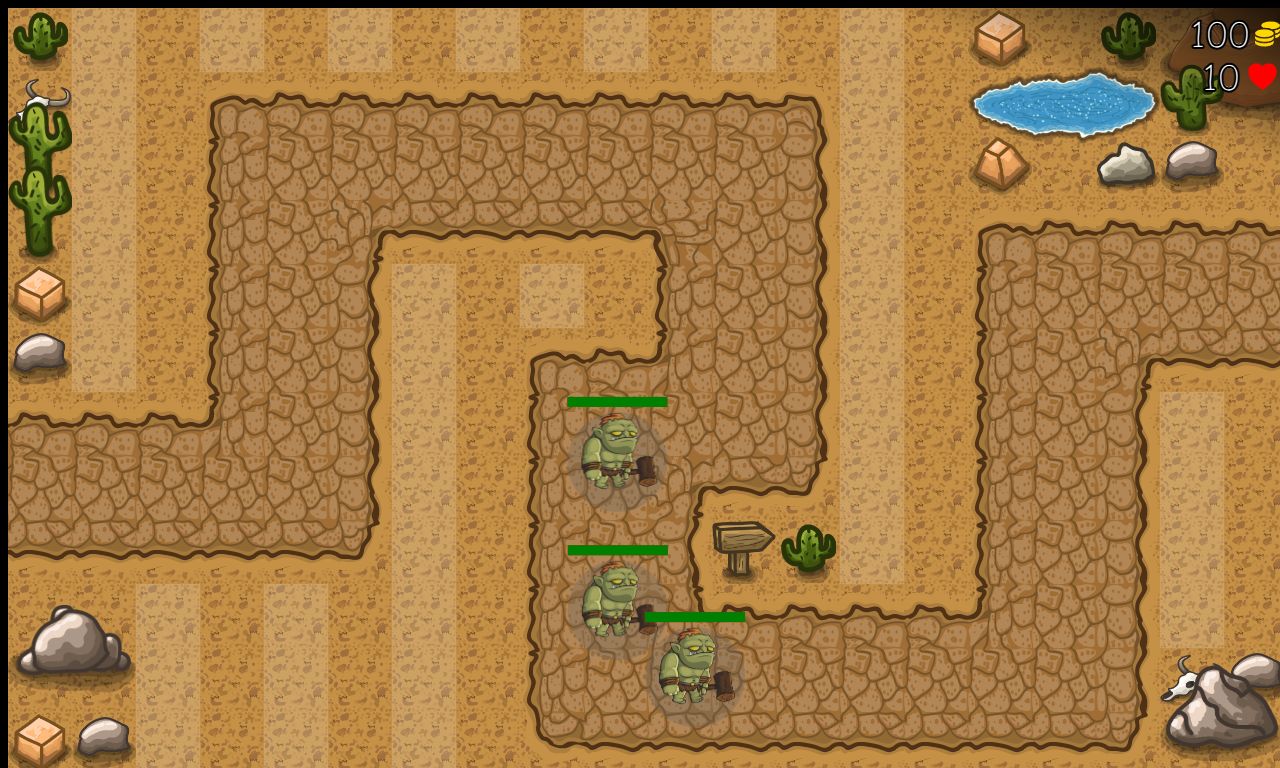
JavaScript / Canvas / Tiled
js_towerdefense_game
Waypoint paths, placeable towers, target selection and projectiles. Waves, coins and lives connect the game loop to the interface: a study of systems interacting in real time.
Reference tutorial ↗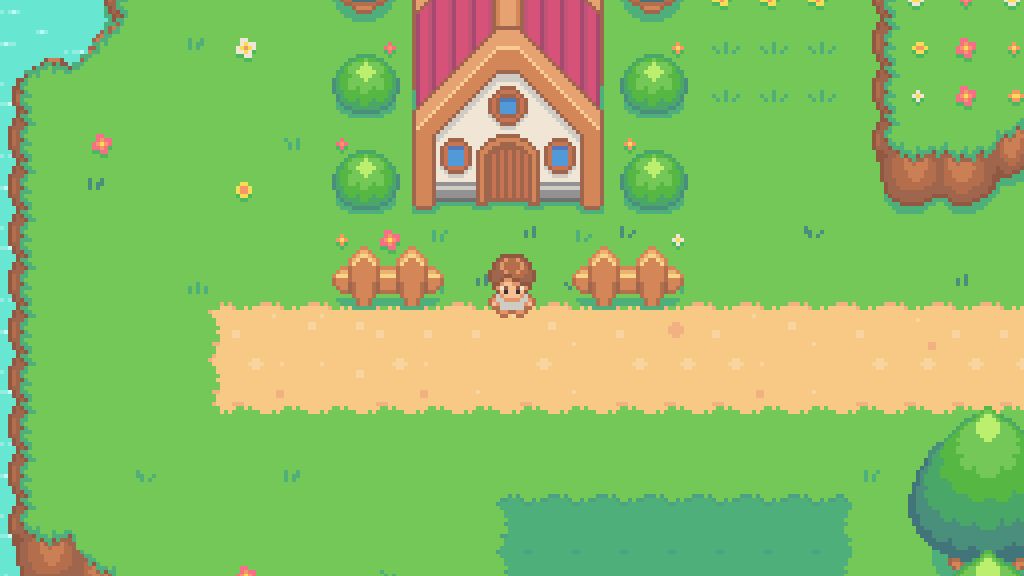
JavaScript / Canvas / Tiled
js_pokemon
A 2D prototype with a tile map, animated sprites, collisions and turn-based battles. A study of the game loop and scene transitions.
Chris Courses tutorial ↗JavaScript / Canvas / Camera
A platformer with gravity, collisions, platforms and a camera that follows the character on both axes. A prototype exploring the relationship between world coordinates, movement and framing.
Tutorial ↗Three.js / JavaScript
Keyboard movement, gravity, collisions and progressively spawning enemies. A prototype exploring the update loop of a 3D game.
Tutorial ↗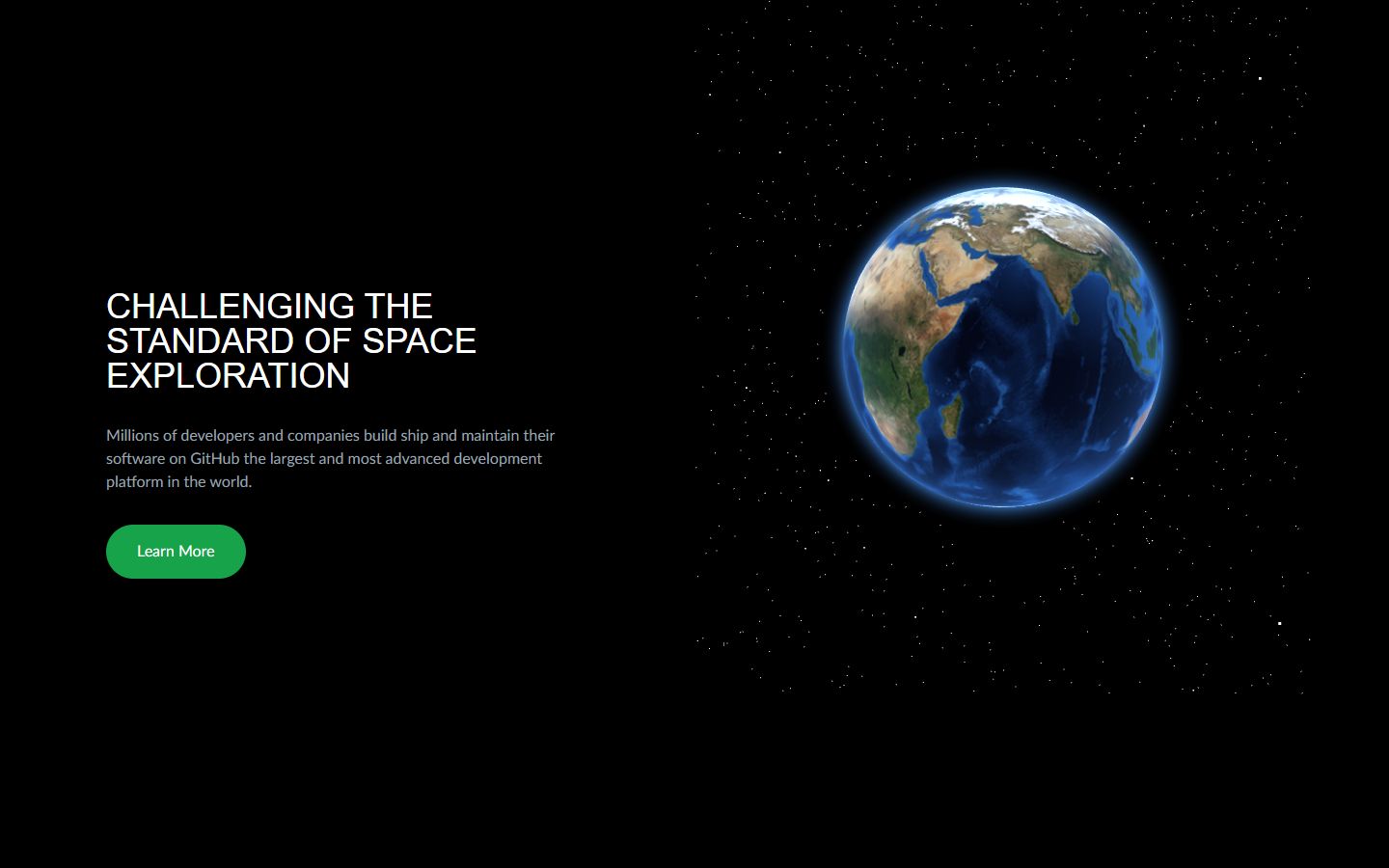
Three.js / GLSL / GSAP
three-globe
A textured globe, atmospheric glow using GLSL shaders, stars and rotation that follows the mouse.
Reference tutorial ↗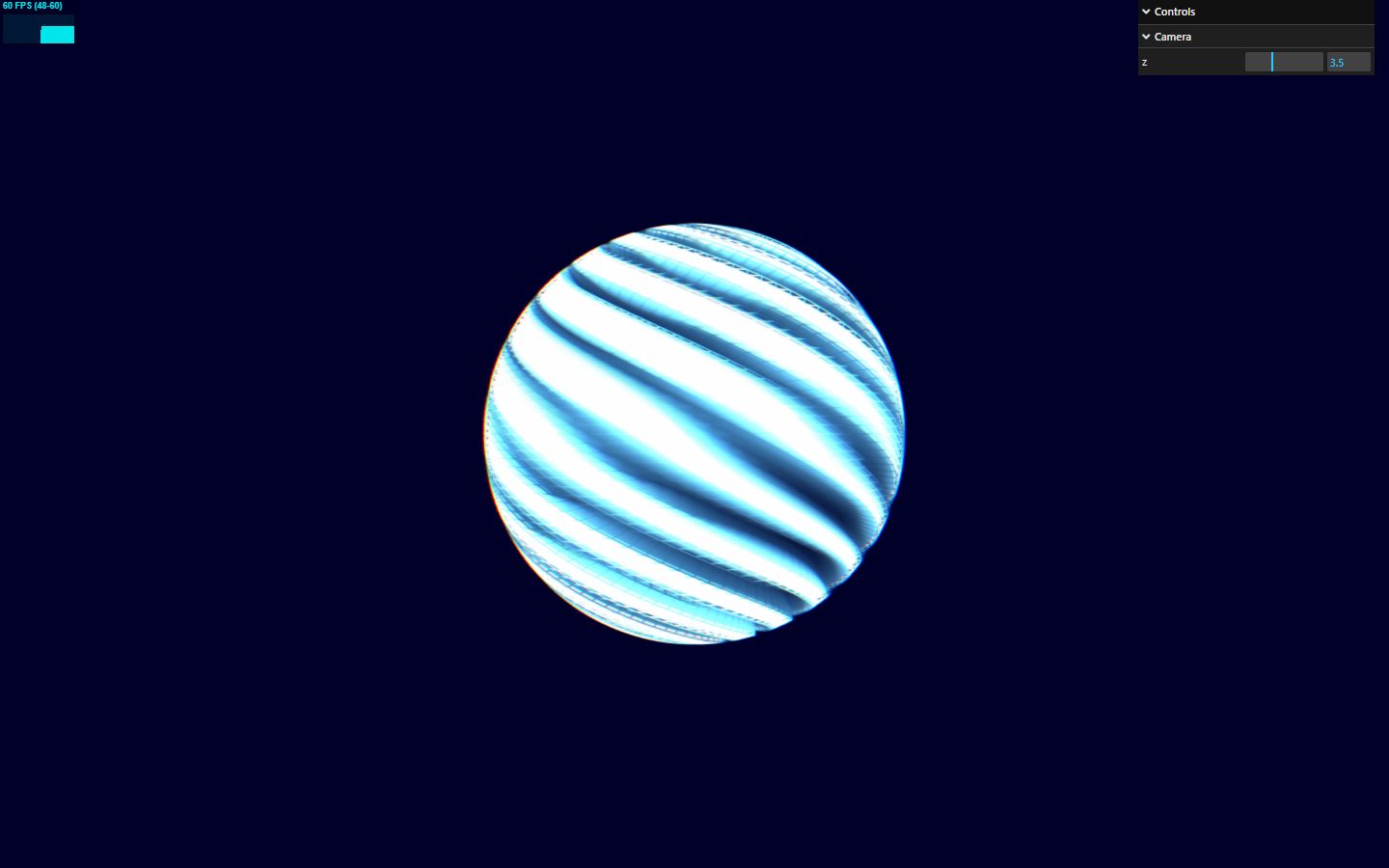
Three.js / Audio / Shaders
morphing-visualizer-starter_n13
Procedural deformation, animated colours and post-processing. In the code, audio analysis drives the shaders and glitch effect.
Visionary 3D tutorial ↗Three.js / Raycaster / GSAP
My first 3D portfolio experiment: an animated triangulated surface, vertex colours that react to the mouse and adjustable parameters using dat.GUI. A playground for geometry and interaction.
Tutorial ↗GLSL / Uniforms / Varyings
Experiments with vertex and fragment shaders, time passed through uniforms and wave deformations. The source also includes my own formula experiments.
Tutorial ↗Three.js / OrbitControls / GSAP
Scene, camera and lights; orbit controls, resize handling and colour changes driven by the mouse.
Tutorial ↗Node.js / Express / Socket.IO
Server-managed player state, movement synchronisation, client interpolation, projectiles and a leaderboard. An exercise exploring the relationship between networking and gameplay.
Tutorial ↗Real screenshots from local copies; remote fonts are replaced with local fonts in the previews. Links credit the original foundations, while the cards describe my own adaptations. Tutorial assets belong to their respective authors.
// one edge case beats three buzzwords
An interactive example of the rules for linking a previous edition: valid references, incomplete content and data that needs fixing. Sample data, running in your browser.
{
  "slug": "evento-2026",
  "lastEdition": "evento-2025",
  "previousCover": "cover.jpg"
}The catalogue resolves the title, year and cover image. The page can be built.
→ card with title + year + cover imageTry help, whoami or coffee.
This shell only runs on this page.
Welcome to the developer side.
Type help for the list of commands. Tab and Enter work as you would expect.
// no ticket needed to say hello
VAT-registered freelancer, available for new projects.
Interested in joining a team: remote, hybrid or on-site.